
The distributed services (or, microservices) debugging is a pain. If you've ever tried to debug more than 2 services working together, you can't forget all the suffering you went through.
Squash - is quite promising project that allows you to debug microservices from your IDE. Yes, you understand it right: you just set breakpoints in your code and debug running distrubuted services as usually, line by line. At the moment it works only with VS Code.
#debug #microservice #go
https://github.com/solo-io/squash
Squash - is quite promising project that allows you to debug microservices from your IDE. Yes, you understand it right: you just set breakpoints in your code and debug running distrubuted services as usually, line by line. At the moment it works only with VS Code.
#debug #microservice #go
https://github.com/solo-io/squash
GitHub
GitHub - solo-io/squash: The debugger for microservices
The debugger for microservices. Contribute to solo-io/squash development by creating an account on GitHub.
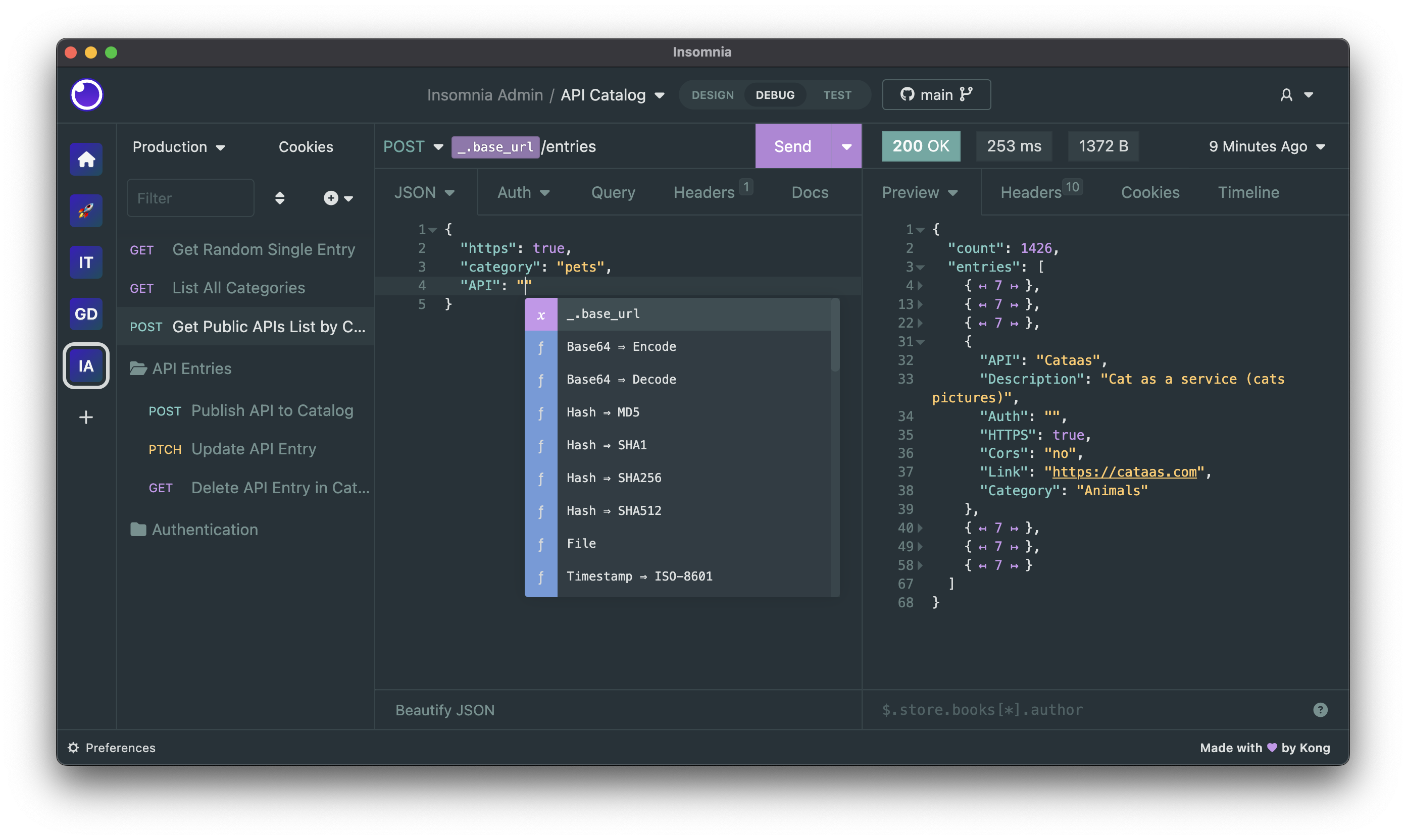

wuzz - (★ 8,022) is an interactive cli tool for HTTP inspection. It is similar to
Wuzz command line arguments are similar to cURL's arguments, so it can be used to inspect/modify requests copied from the browser's network inspector with the "copy as cURL" feature.
#cli #terminal #debug #curl
curl but with handy CLI interface.Wuzz command line arguments are similar to cURL's arguments, so it can be used to inspect/modify requests copied from the browser's network inspector with the "copy as cURL" feature.
#cli #terminal #debug #curl

tunnelto.dev - (★ 4.5k at GitHub) - lets you expose your locally running web server via a public URL. Written in Rust. Built completely with async-io on top of tokio.
If you want to expose your localhost for debugging or demonstration purposes, the default option was ngrok. Tunnelto is a simpler, open-source alternative that you can host yourself.
When you run the command
#deployment #debug
If you want to expose your localhost for debugging or demonstration purposes, the default option was ngrok. Tunnelto is a simpler, open-source alternative that you can host yourself.
When you run the command
tunnelto --port 8000, your localhost is exposed at the tunnelto.dev URL. However, you can also set up your private server and deploy it with any URL you choose.#deployment #debug
🔥3